Learning DigiShow
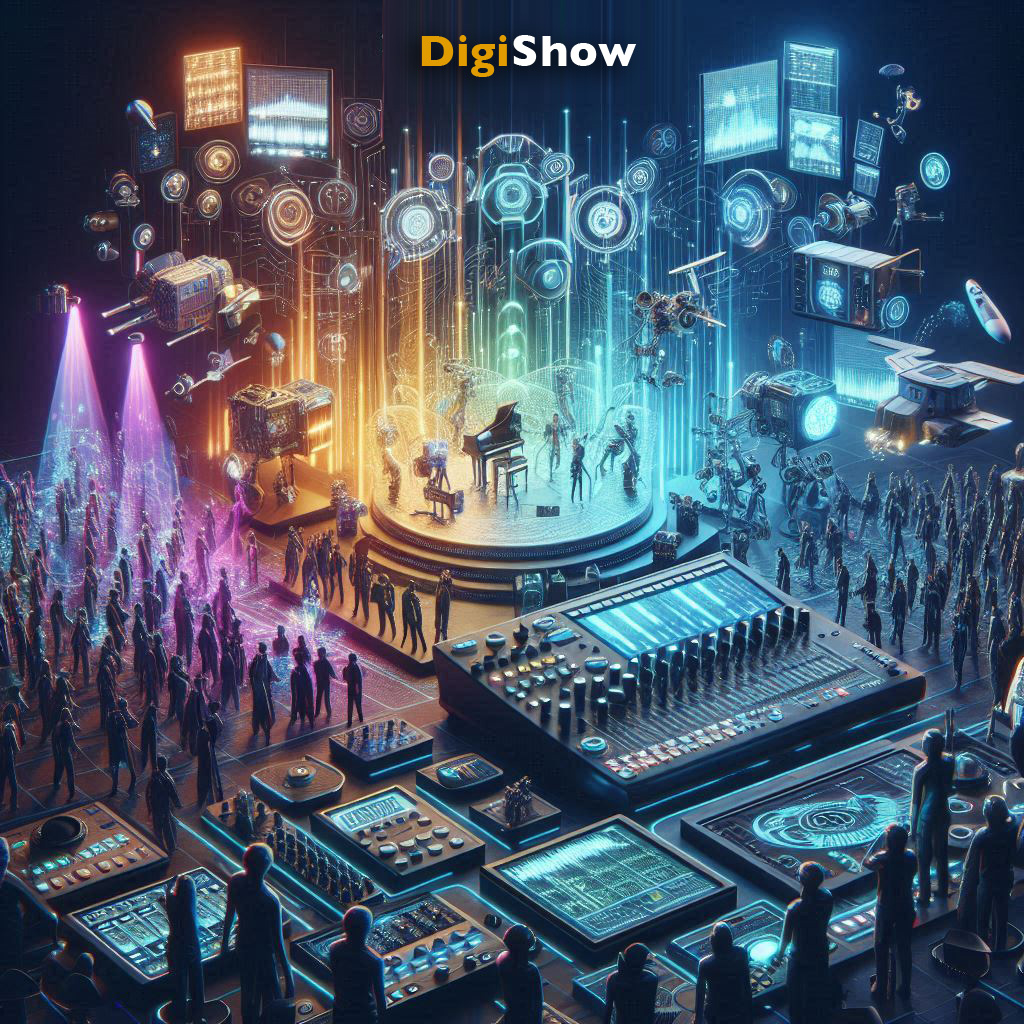
DigiShow is a lightweight control software designed for performance scene and immersive space with music, lights, displays, robots and interactive devices.
We provide a concise tutorial for you to learn how to use DigiShow, which covers almost all the common and unique functions of the software. You can use your web browser to open and view the PDF content of each chapter, or you can download them to your computer disk for easy reference at any time.
( You can also download the supporting examples of this tutorial learning-digishow-examples.zip )
1 Basic Concepts
2 Installation and Basic Usage
- Complete DigiShow installation on your own computer.
- First look at the basic UI of DigiShow
- Learn to configure device interfaces in the Interface Manager
- Learn to add signal bars in the signal link table.
- Learn to save and open DigiShow project files.
- Read PDF
3 Signal Mapping
- Understand the three types of signals in DigiShow: Analog, Binary, Note
- Understand the basic concept of Signal Mapping in DigiShow.
- Understand the parameters of mapping and conversion between various types.
- Understand the basic concept of Virtual Pipe.
- Read PDF
4 Common Operations
- Learn to manage signal bars in the signal link table
- Learn to use the interfaces of keyboard, sound card, and screen in DigiShow
- Learn to use Preset Launcher
- Learn to use Beat Maker
- Read PDF
5 Artistic Lighting Applications
- Understand the relevant knowledge of DMX, Art-Net and performing arts lighting
- Learn to use DMX and Art-Net interfaces in DigiShow to complete lighting control
- Understand the concept and usage of Pixel Mapping
- Understand the concept and usage of Hue smart home lighting
- Read PDF
6 Digital Music Applications
- Learn about MIDI, such as MIDI Note and MIDI CC signal types
- Learn to use the MIDI interface in DigiShow for signal input and output with music device and software
- Learn to set up a virtual MIDI bus in the system
- Learn a few tricks to use DigiShow with Ableton
- Read PDF
7 Interactive Applications
- Understand the relevant knowledge of Arduino and IO controls
- Prepare an Arduino with RIOC program for use in DigiShow
- Learn to use Arduino interface for signal input and output in DigiShow
- Understand the concept and usage of Modbus
- Understand the concept and usage of OSC, and learn how to work with TouchDesigner
- Read PDF
8 Expressions and Scripts
This section is intended for people with some JavaScript programming skills, but others can also gain a general understanding.
- Learn to use expressions at the input and output of the signal bar to implement more interactive logic
- Learn to write user-defined functions in attached script files for calling in expressions
- Read PDF